8 Ball Pool project artwork

Android Mod

8 Ball Pool

Line up your next shot with extended guidelines and an in-game toggle. No root required.

Platform
Android · arm64
Version
56.30.1
Build
No-root guidelines · v19 test
Updated
September 28, 2026
Mod features
  • Extended guidelines stop at the next ball or cushion
  • The last aiming view stays visible while the shot plays out
  • Tap the movable 8-ball button to open the built-in control panel
  • Switch off to restore the original short guidelines immediately
  • Your switch setting is saved between sessions
  • No root, Frida setup, or separate app needed on the verified device

The switch starts off on a fresh installation. The retained view is a snapshot, not a live prediction of moving balls or cushion rebounds. Offline Pass n Play was tested; online play and other devices are unverified.

Project overview

What this project includes

8 Ball Pool from Miniclip brings head-to-head pool matches, friend challenges, and tournaments to Android. Choose your cue, play across different tables, and earn Pool Coins as you progress to new venues and tougher opponents. This custom test build adds a movable in-game control panel that extends aiming lines to the next ball or cushion and keeps the last aiming view visible during a shot. It runs without root on the verified Pixel 7 setup.

Build details

Technical information

Platform
Android
Package ID
com.miniclip.eightballpool
Version
56.30.1 (4031)
Build
No-root guidelines · v19 test
Architecture
arm64-v8a
Tested device
Pixel 7 · unrooted
Tested system
Android 14
File size
139.1 MiB
SHA-256
fd27699126e5c15fd0e3376706262da3f8729bcd24047d034fdcbfdcfdc43934

A matching checksum identifies the published build. It is not a security certification.

Getting started

Installation help

  1. Check the tested setup and back up progress

    This test build was verified on an unrooted Pixel 7 running Android 14 with arm64 support. Other devices and Android versions remain unverified. Back up existing progress before changing your installation.

  2. Download the APK

    Use the GMODY download page and select Download APK. Wait 10 seconds in the advertisement window, then select Download now. No ad click is required. Allow enough free storage for the 139.1 MiB file and its installation.

  3. Open the downloaded file

    Find the APK in your browser's downloads or your device's Files app.

  4. Follow the Android installation prompts

    If you trust this file, allow installation from the app you used to open it when Android asks. You can turn that permission off afterward.

  5. Open the in-game controls

    Launch the game, tap the movable 8-ball button, and enable the guideline switch in the built-in panel. The switch starts off on a fresh installation and remembers your choice. No root or separate app is required on the tested setup.

This custom APK uses a different signing certificate from the official app and cannot update an official installation in place. Back up your progress before making changes. Uninstalling the existing game may erase its saved data.

Release notes

Version record

56.30.1 · v19 test build

  • Built-in movable control panel with a saved guideline switch.
  • Guidelines extend to the next ball or cushion, with the last aiming snapshot retained during a shot.
  • First-launch startup fix; verified without root on Pixel 7 running Android 14.

Common questions

Frequently asked questions

Can this build run without root?

Yes, the v19 test build was verified on an unrooted Pixel 7 running Android 14. The controls are included in the same APK; no separate app or Frida installation is needed. Other devices and Android versions have not been verified.

How do I turn extended guidelines on or off?

Tap the movable 8-ball button and use the switch in the in-game panel. It starts off on a fresh installation. Your setting is saved, and disabling it immediately restores the original short guidelines.

Does it predict cushion rebounds or moving balls?

No. It extends the existing guideline segments to the next ball or cushion. During a shot, the last aiming snapshot remains visible; it does not track the balls as they move or predict further rebounds.

What has been tested?

Startup, the tutorial, the lobby, offline Pass n Play, immediate guideline switching, the retained shot snapshot, and saved settings after a cold start were verified on Pixel 7 with Android 14. Online play, other devices, and long-term stability remain unverified.

Are the gallery images from the custom build?

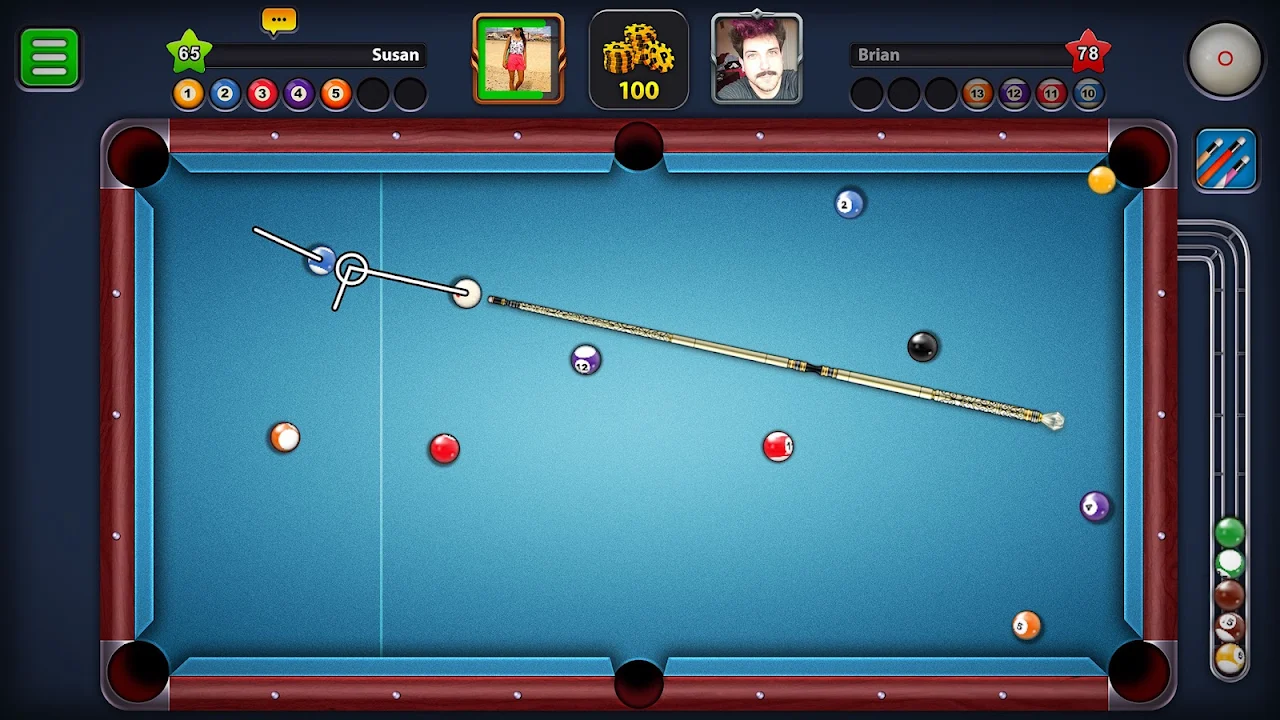
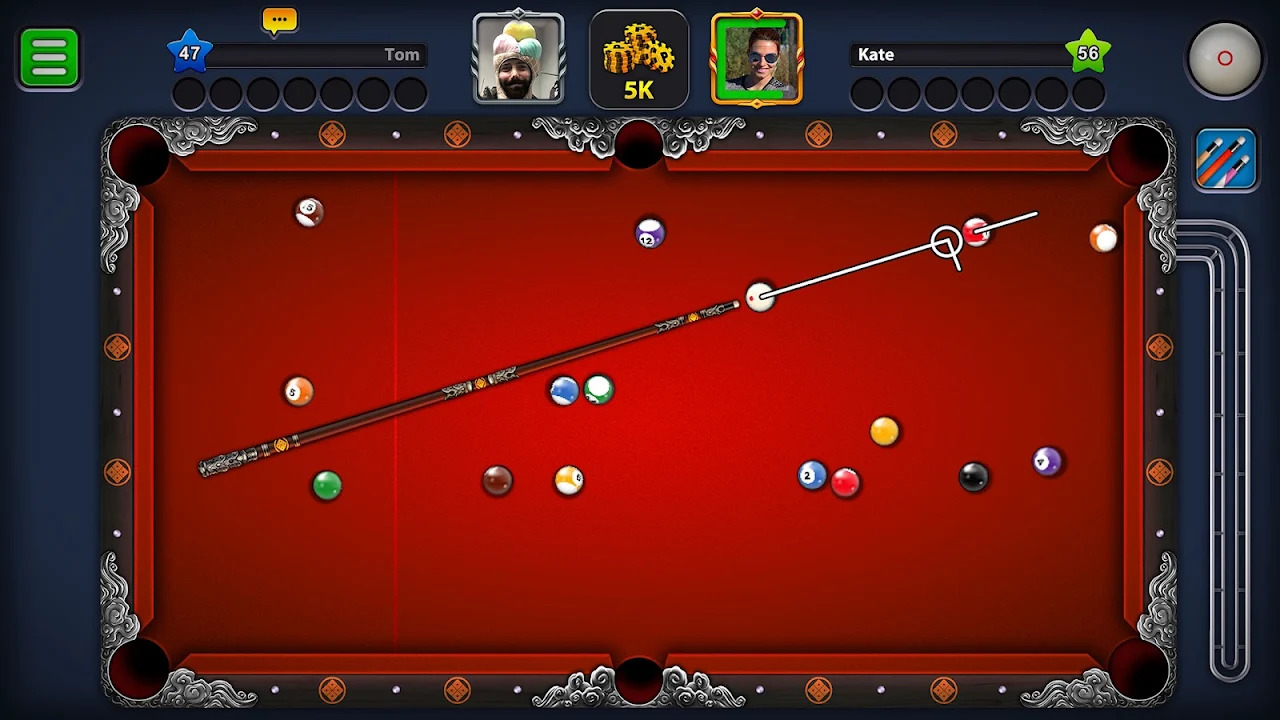
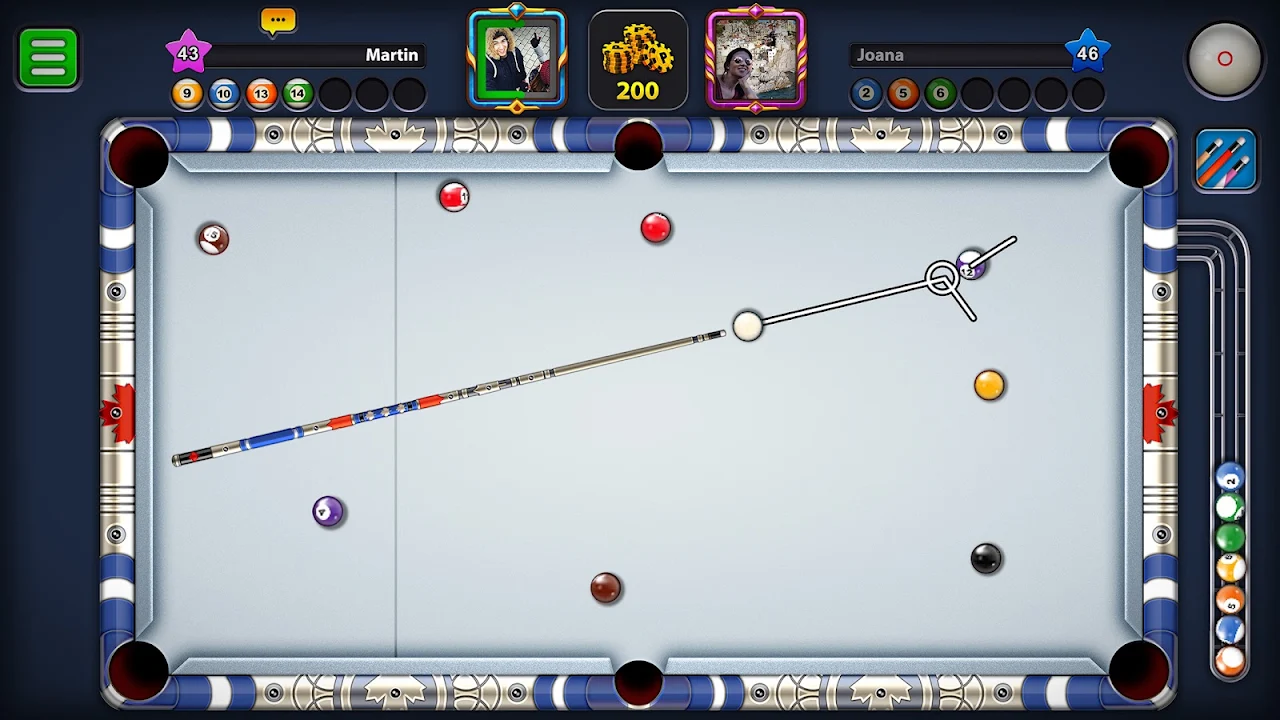
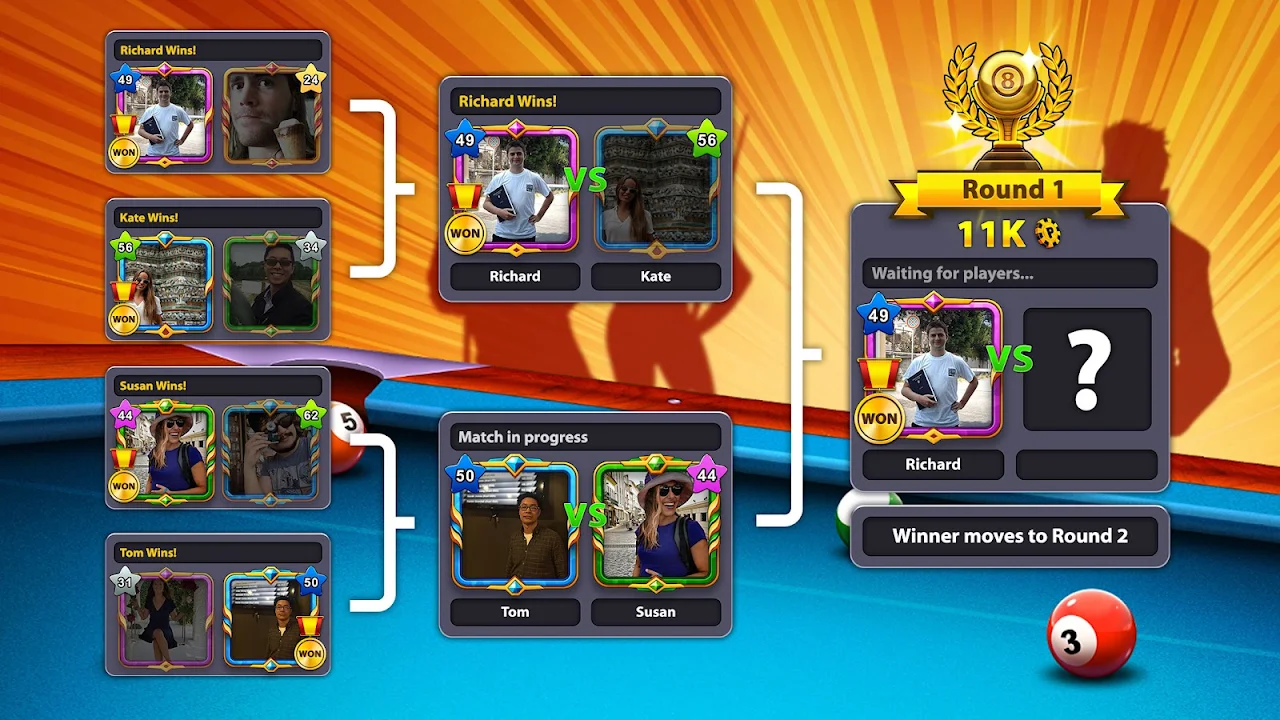
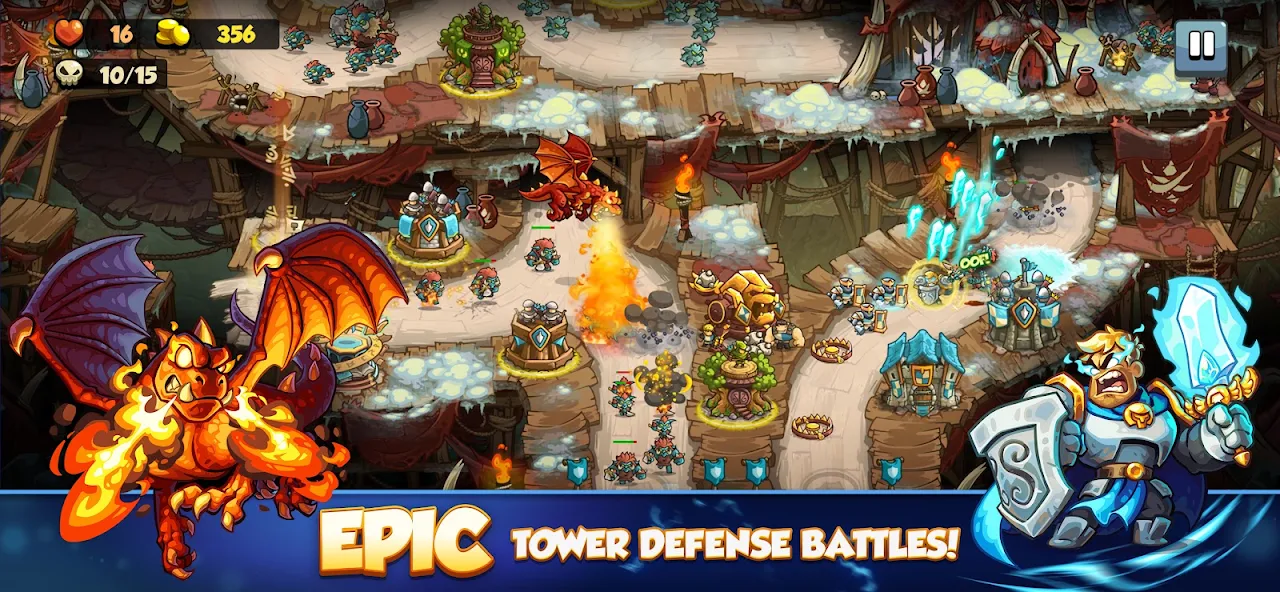
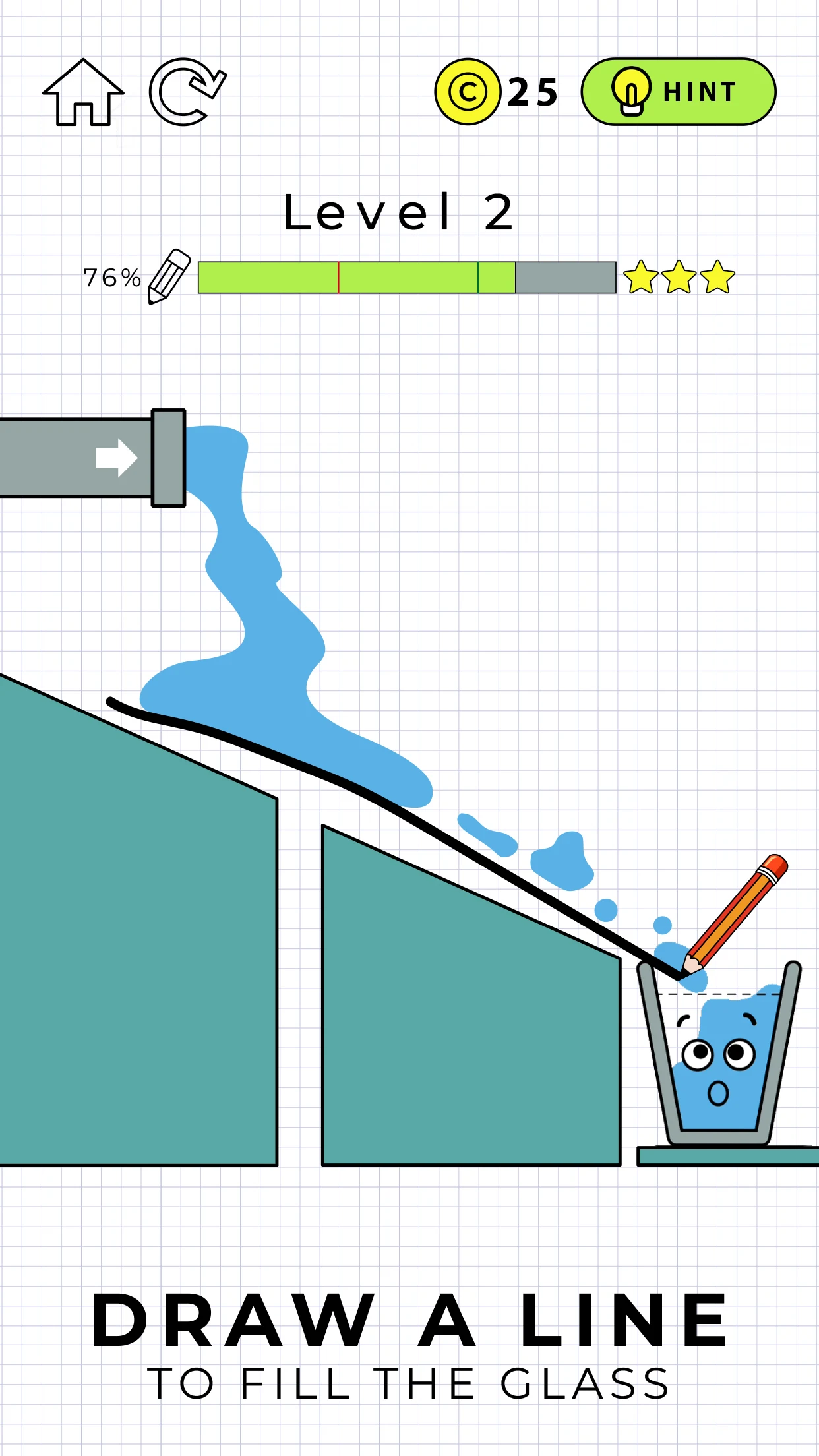
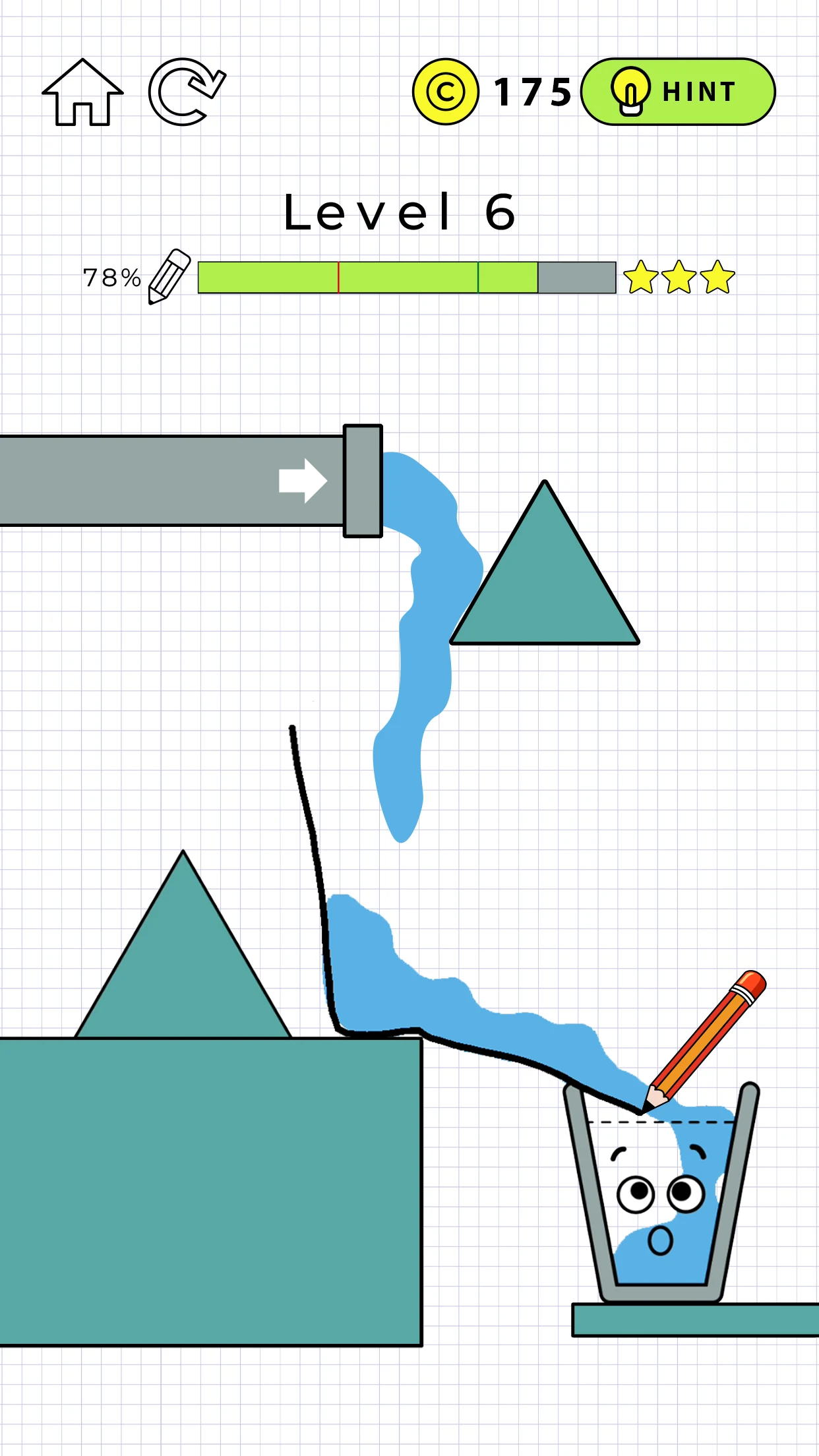
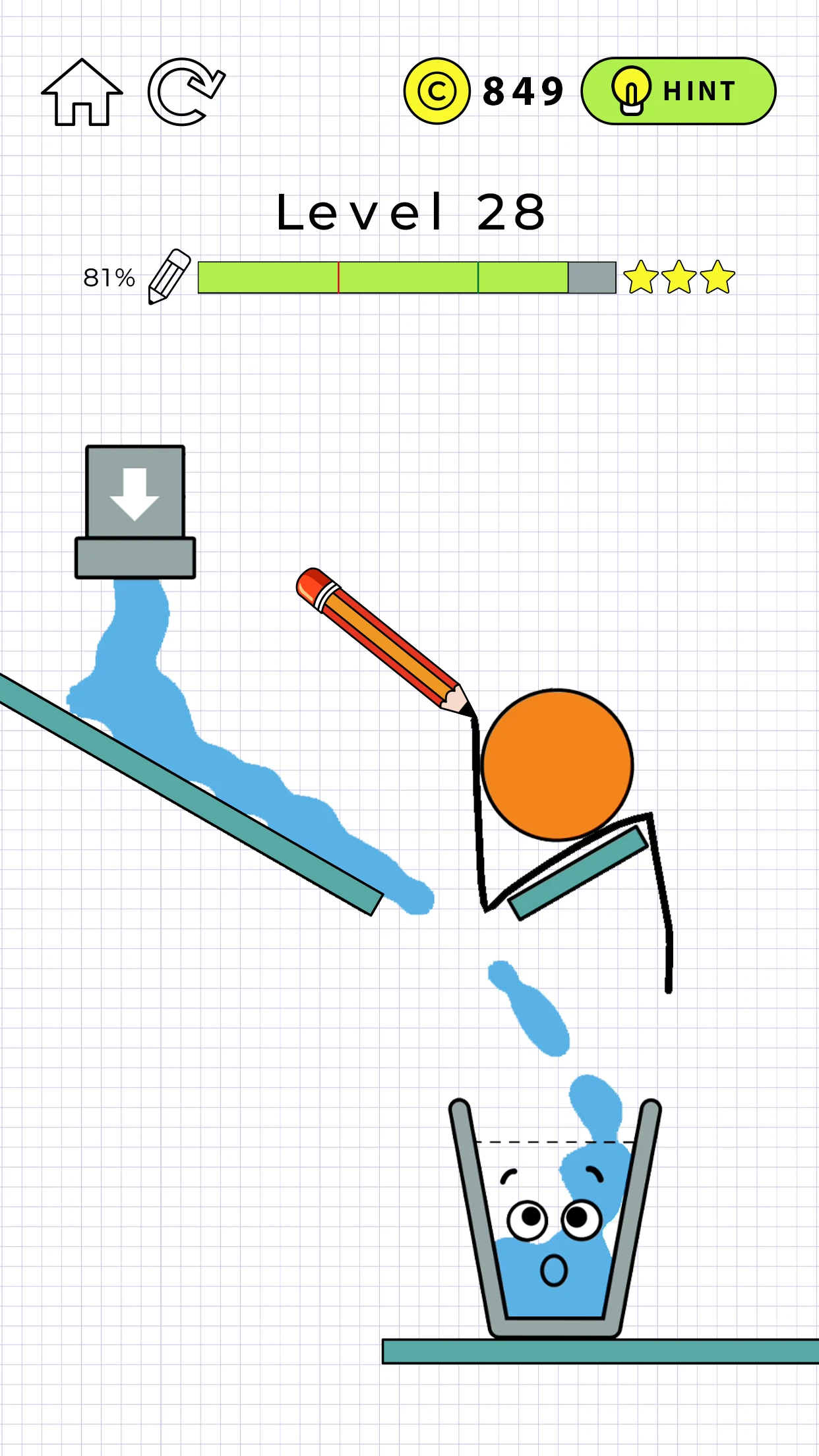
The gallery uses the original game's official Google Play screenshots. They illustrate the game and do not show this build's extended guidelines or control panel.